
Views: 0 Author: Onustec Group Publish Time: 2026-01-13 Origin: Site


CNC programming (Computer Numerical Control programming) is revolutionizing the manufacturing world. How does it transform digital designs into precise, real-world parts? This process is the backbone of industries such as aerospace, automotive, and medical fields, where precision is critical. In this article, Onustec will explore the definition, types, and software used in CNC programming. You'll learn how it enhances efficiency, automates complex tasks, and drives modern production systems.

CNC programming involves creating detailed instructions that guide CNC machines in performing precise tasks like cutting, drilling, and milling. The process begins with a CAD model, which is a digital design of the part to be manufactured. These models are then converted into machine-readable G-code through the use of Computer-Aided Manufacturing (CAM) software. G-code provides the machine with all the necessary data about tool paths, feed rates, and speeds required to accurately produce the part. CNC programming ensures that the machine performs these tasks with minimal human intervention, maximizing production efficiency.
CNC programming relies on several key components that work together to ensure precise manufacturing results. The table below breaks down these components, their functions, applications, technical specifications, and considerations.
| Component | Function | Application | Key Technical Specifications | Considerations |
|---|---|---|---|---|
| CNC Machine Control Unit | Interprets programmed instructions and directs machine movements | Controls machine actions like cutting, drilling, and milling | Processor speed: 500 MHz to 3 GHz; Control system type: open/closed loop | Ensure the control unit matches the machine’s capabilities |
| Tools | Responsible for material removal from the workpiece | Used for cutting, shaping, drilling, and milling | Tool types: end mills, drills, lathes; Tool material: carbide, high-speed steel | Tool selection must align with material type and desired cut |
| Feedback Devices | Provides real-time data on the machine’s position | Used for precise positioning and error correction | Sensor type: encoders, linear scales; Accuracy: 0.01 mm to 0.1 mm | Regular calibration is necessary for accurate feedback |
| Drive Systems | Converts electrical signals into mechanical motion | Guides CNC machine’s movement along specified axes | Motor types: stepper, servo; Torque: 0.1 Nm to 100 Nm; Speed: up to 10,000 RPM | Matching motor power to machine size and load is crucial |
Tip: When selecting components for CNC systems, always consider the compatibility between the machine control unit, feedback devices, and drive systems to ensure optimal performance and precision.
G-code is the primary language used in CNC programming. It consists of a set of commands that control the movement of CNC machines. These commands direct the machine on how to move, where to move, and when to stop. Common G-codes include G00 for rapid positioning, G01 for linear interpolation, and G02/G03 for circular interpolation. These codes tell the machine exactly how to navigate the tool paths defined in the programming. For CNC machining, understanding and correctly applying G-code is fundamental for achieving high-quality, precise results.
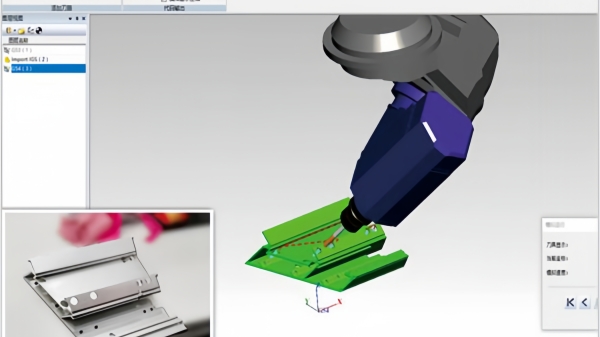
Manual CNC programming is the most basic form of CNC programming, where the programmer manually enters each command into the machine’s control console. This method requires a deep understanding of machine operations and G-code syntax. Although manual programming allows for precise control, it is time-consuming and prone to human error. It is mainly used for simple parts or in situations where CAD/CAM software is not available. However, it is less efficient compared to modern methods like CAM programming, which offer automation and error reduction.
CAM programming uses specialized software to generate CNC programs based on CAD models. The software converts the part design into tool paths and generates the corresponding G-code automatically. CAM programming is the most common and preferred method because it is faster, more accurate, and less prone to errors compared to manual programming. CAM software allows for complex parts to be programmed efficiently, visualizing tool paths and providing advanced features like simulation to detect potential errors before actual machining. This type of programming is especially useful for high-volume production.
Conversational CNC programming simplifies the process by allowing operators to create programs directly on the machine’s control panel. Instead of entering raw G-code, operators are prompted to provide answers to questions or fill in parameters for toolpaths, speeds, and feeds. This user-friendly interface is ideal for operators working on simpler tasks or prototyping. While conversational programming is easy to use, it is typically limited to basic operations and does not offer the advanced capabilities of CAM programming for complex parts.
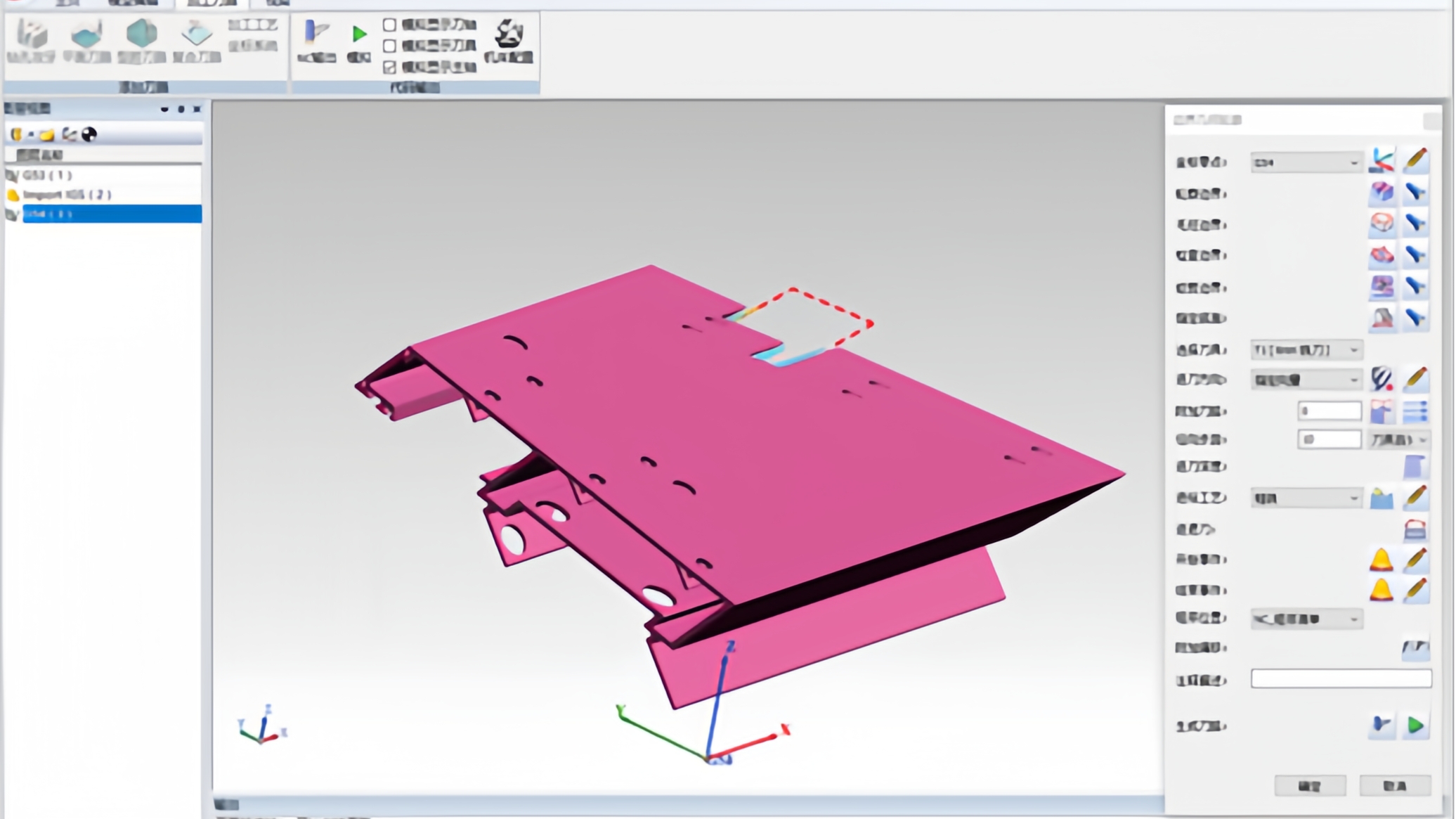
CAD (Computer-Aided Design) software is used to create 2D and 3D models of the parts to be manufactured. These digital models are the foundation of CNC programming. CAD software tools like SolidWorks and AutoCAD allow designers to develop precise models with detailed specifications. Once the design is finalized, it is exported to CAM software for toolpath generation and G-code creation. CAD software helps ensure that the design is accurate and complete, reducing the chances of errors during machining.
CAM (Computer-Aided Manufacturing) software is used to translate CAD models into machine-readable instructions for CNC machines. Popular CAM software tools like Mastercam, Fusion 360, and SolidCAM automate the process of generating toolpaths and G-code. These tools allow CNC programmers to define machining operations, tool selections, and cutting parameters efficiently. CAM software not only saves time but also reduces human error by simulating the machining process and detecting potential issues like tool collisions before machining begins.
| CAM Software | Function | Key Features | Application | Example Software |
|---|---|---|---|---|
| Mastercam | Converts CAD designs to G-code | Powerful for multi-axis machining, toolpath optimization | Aerospace, automotive, mold making | Mastercam X8 |
| Fusion 360 | Hybrid CAD/CAM solution | Cloud-based, integrates CAD and CAM | Small to medium businesses, rapid prototyping | Fusion 360 |
| SolidCAM | Fully integrated with SolidWorks | iMachining technology for faster cutting | Precision machining, industries using SolidWorks | SolidWorks CAM |
| GibbsCAM | CAM software with easy-to-use interface | Fast programming for milling, turning, and multi-tasking | General machining, medical, aerospace | GibbsCAM V11 |
| Vectric Aspire | Specialized in CNC routing and engraving | Intuitive interface, advanced engraving capabilities | Woodworking, sign-making, furniture manufacturing | Aspire V10 |
Simulation software plays a critical role in CNC programming by virtually testing the G-code before it is executed on the CNC machine. This allows programmers to verify that the tool paths are correct and that there are no collisions or errors in the program. Post-processing software is used to adapt G-code to specific CNC machine controllers, ensuring compatibility and optimizing the machining process. It translates the toolpath data into machine-specific instructions, allowing for smooth operation on different CNC machines.
G-codes are critical instructions in CNC programming that control the movement and operation of machine tools. Different G-codes represent various functions like linear interpolation, rapid positioning, and circular interpolation. Understanding these G-codes helps increase programming efficiency and accuracy.
| G-Code | Function | Application | Speed/Control | Example Usage |
|---|---|---|---|---|
| G00 | Rapid Positioning | Used for quick movement between tool paths | Fastest | G00 X100 Y100 Z50 (Position tool rapidly to X100, Y100, Z50) |
| G01 | Linear Interpolation | Moves the tool in a straight line | Controlled feed rate | G01 X200 Y200 F150 (Tool moves in a straight line at a feed rate of 150 units per minute) |
| G02 | Clockwise Circular Interpolation | Moves the tool along a clockwise arc | Variable feed rate | G02 X200 Y200 I50 J50 F200 (Clockwise movement with specific feed rate) |
| G03 | Counterclockwise Circular Interpolation | Moves the tool along a counterclockwise arc | Variable feed rate | G03 X200 Y200 I50 J50 F200 (Counterclockwise movement with specific feed rate) |
| G17 | XY Plane Selection | Defines the plane for circular interpolation | - | G17 (Selects XY plane for further circular motion) |
| G90 | Absolute Positioning | Positions are set relative to a fixed point (usually the origin) | Fixed reference point | G90 (Positions using absolute coordinates) |
| G91 | Incremental Positioning | Positions are set relative to the current position | Relative | G91 (Positions using relative coordinates) |
Tip: When using G-codes, ensure you correctly select the coordinate system (absolute or incremental) to avoid unnecessary programming errors.
M-codes are used to control auxiliary functions of CNC machines, such as spindle control, tool changes, and coolant activation. These codes complement G-codes to ensure the machine executes all necessary operations during the machining process.
| M-Code | Function | Application | Control Aspect | Example Usage |
|---|---|---|---|---|
| M03 | Spindle On (Clockwise) | Starts the spindle in the clockwise direction | Spindle | M03 S1000 (Start spindle at 1000 RPM) |
| M04 | Spindle On (Counterclockwise) | Starts the spindle in the counterclockwise direction | Spindle | M04 S1200 (Start spindle at 1200 RPM, counterclockwise) |
| M05 | Spindle Stop | Stops the spindle | Spindle | M05 (Stop spindle) |
| M06 | Tool Change | Commands the machine to change the tool | Tooling | M06 T01 (Change to tool 1) |
| M08 | Coolant On | Activates the coolant system | Coolant system | M08 (Turn on coolant) |
| M09 | Coolant Off | Deactivates the coolant system | Coolant system | M09 (Turn off coolant) |
| M30 | Program End | Ends the program and resets the machine | Program control | M30 (End program) |
Tip: When executing M-codes, ensure the machine is in the correct state, especially when performing tool changes or spindle control to avoid damage to the machine or tools.
In addition to G- and M-codes, there are other codes that are used in CNC programming to control various aspects of the machining process. T-codes specify the tool number or tool offset, while S-codes set the spindle speed. F-codes control the feed rate, dictating how fast the tool moves along the programmed path. D-codes are used for tool offsets, and N-codes are used for manually written conversions. Understanding these codes helps CNC programmers optimize the machining process and ensure accuracy.
Mastercam is one of the most widely used CAM software packages in the CNC programming industry. It offers powerful capabilities for both simple and complex machining tasks. Mastercam allows for the generation of toolpaths, the creation of G-code, and the simulation of machining operations. Its user-friendly interface and wide range of features make it a popular choice for CNC programmers in industries like aerospace, automotive, and mold making. Mastercam is particularly known for its ability to handle multi-axis machining with ease.
Fusion 360 is a cloud-based CAD/CAM software developed by Autodesk. It integrates both CAD and CAM functionalities, making it ideal for businesses that need a streamlined workflow. Fusion 360 is popular among small to medium-sized businesses due to its affordability and ease of use. It supports 3D modeling, toolpath generation, and G-code creation in a single platform. Fusion 360 also offers advanced simulation capabilities, allowing programmers to verify their toolpaths and optimize the machining process before production begins.
SolidWorks CAM is a CAD/CAM hybrid solution that integrates seamlessly with SolidWorks. It allows users to create CNC programs directly from their SolidWorks designs. SolidWorks CAM is ideal for businesses that already use SolidWorks for their CAD needs. The software simplifies toolpath generation and G-code creation, making it a valuable tool for CNC programmers. SolidWorks CAM also offers advanced features like feature recognition, which automates the programming process for certain part features.
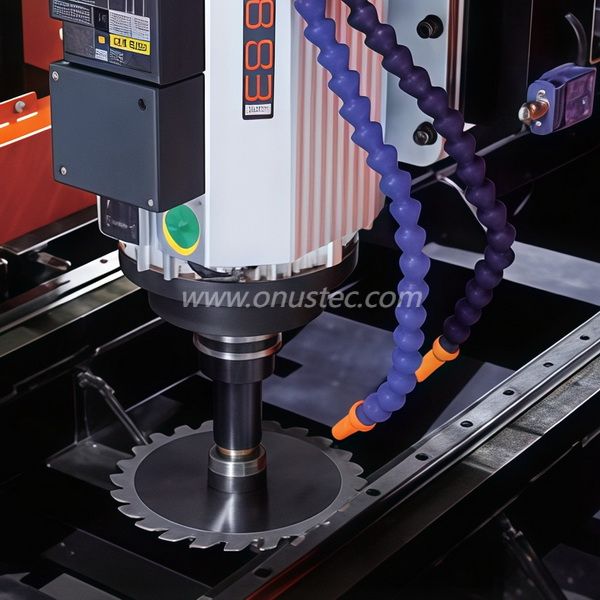
The first step in writing CNC code is exporting the CAD model into CAM software. CAD models are usually designed in software like SolidWorks or AutoCAD, and once the design is complete, it is exported to CAM software such as Mastercam or Fusion 360. The CAD model serves as the foundation for generating toolpaths and G-code.
Once the CAD model is in the CAM software, the next step is to define the machining operations and generate toolpaths. Toolpaths are the paths that the tool will follow to remove material from the workpiece. CAM software allows users to visualize these paths and simulate the machining process to check for potential errors, such as tool collisions or incorrect speeds.
After verifying the toolpaths and generating the G-code, the next step is to transfer the code to the CNC machine. This can be done via USB, direct network transfer, or a local connection. Once the G-code is loaded into the machine, the operator can start the machining process, and the CNC machine will follow the instructions provided in the G-code to produce the part.
CNC programming is vital in modern manufacturing, enabling high precision and efficiency in producing complex parts. By transforming CAD designs into G-code, it minimizes human intervention and boosts production accuracy. Different types of CNC programming, including manual, CAM, and conversational, each offer unique benefits. Choosing the right CNC programming software, such as Guangzhou Onustec Group Ltd.’s products, ensures optimal machining results. Guangzhou Onustec Group Ltd. provides industry-leading solutions, enhancing precision and productivity, making CNC programming an indispensable part of today's manufacturing landscape.
A: CNC programming is the process of creating instructions for CNC machines, converting CAD designs into machine-readable G-code for tasks like cutting, drilling, and milling.
A: CNC programming automates complex tasks, minimizing human intervention and improving precision, speed, and overall production efficiency in industries like aerospace and automotive.
A: The main types are manual CNC programming, computer-aided manufacturing (CAM) programming, and conversational CNC programming, each suited for different levels of complexity.
A: Common software includes CAD tools for designing parts, CAM software like Mastercam for generating G-code, and simulation tools to verify tool paths in CNC machining.
A: The choice depends on your production needs. Software like Fusion 360 and Mastercam offers a range of features for both simple and complex CNC machining operations.


